
Use a teleprompter for a self-tape rehearsal
Prepare a self-tape with CueCam while respecting audition instructions, eyelines, framing and the limits of reading on camera.
Quick answer
A teleprompter can help you rehearse lines and review delivery, but the casting instructions determine what is acceptable in a submitted self-tape. Use it as a rehearsal aid first; check whether reading, editing, captions or a particular eyeline are allowed before recording the final submission.
Step by step
Read the casting instructions
Check required framing, slate, file format, duration and delivery method. Confirm whether a reader or a specific eyeline is required. Do not let the convenience of an app override the submission requirements.
Prepare a readable rehearsal script
Separate cues and your lines so you do not accidentally read another character’s dialogue. Keep stage directions visually distinct and choose a text size that is readable from the camera position.
Test the intended eyeline
Place the phone at the required height and record a rehearsal. Watch whether eye movement makes the delivery look like reading. Practice away from the screen when the instructions or performance require it.
Choose a pace that leaves space to act
Fixed speed may suit a practiced passage; Word Tracking can follow a closely read script. Test pauses and reactions. Rewrite or shorten rehearsal notes rather than forcing the performance to match a timer.
Review and prepare the permitted file
Check focus, audio and framing. Make only edits allowed by the brief, export the requested format and play back the final file. Avoid captions, music or effects unless explicitly requested.
Try this with your next recording
Use a short monologue for two rehearsal takes, one with the prompt and one without it. Compare eyeline, rhythm and whether you remain responsive to the scene. Submit only a take that meets the actual brief.
What to check before you record
CueCam cannot guarantee casting acceptance or a particular performance result. Some auditions prohibit aids or edits. Always follow the casting team’s instructions; do not use generated effects to misrepresent a performance.
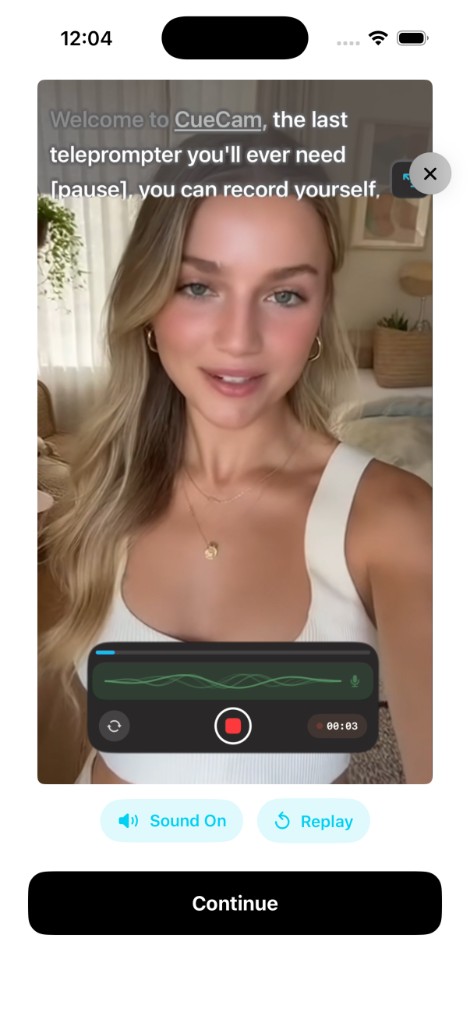
Try the workflow in CueCam
Free download with a limited evaluation. Full recording and editing access requires a subscription. Check current pricing and availability on the App Store.
View CueCam on the App Store